Alchemy tools
Alchemy works on a picture you already have. Every operation starts from an image you supply, and they fall into five groups.
Image tools
Choose a tool for your task: enlarge an image, restore faces, remove a background, analyse content, or create a control map. Image enlargement
 Image descriptions Generate text or data describing an image.
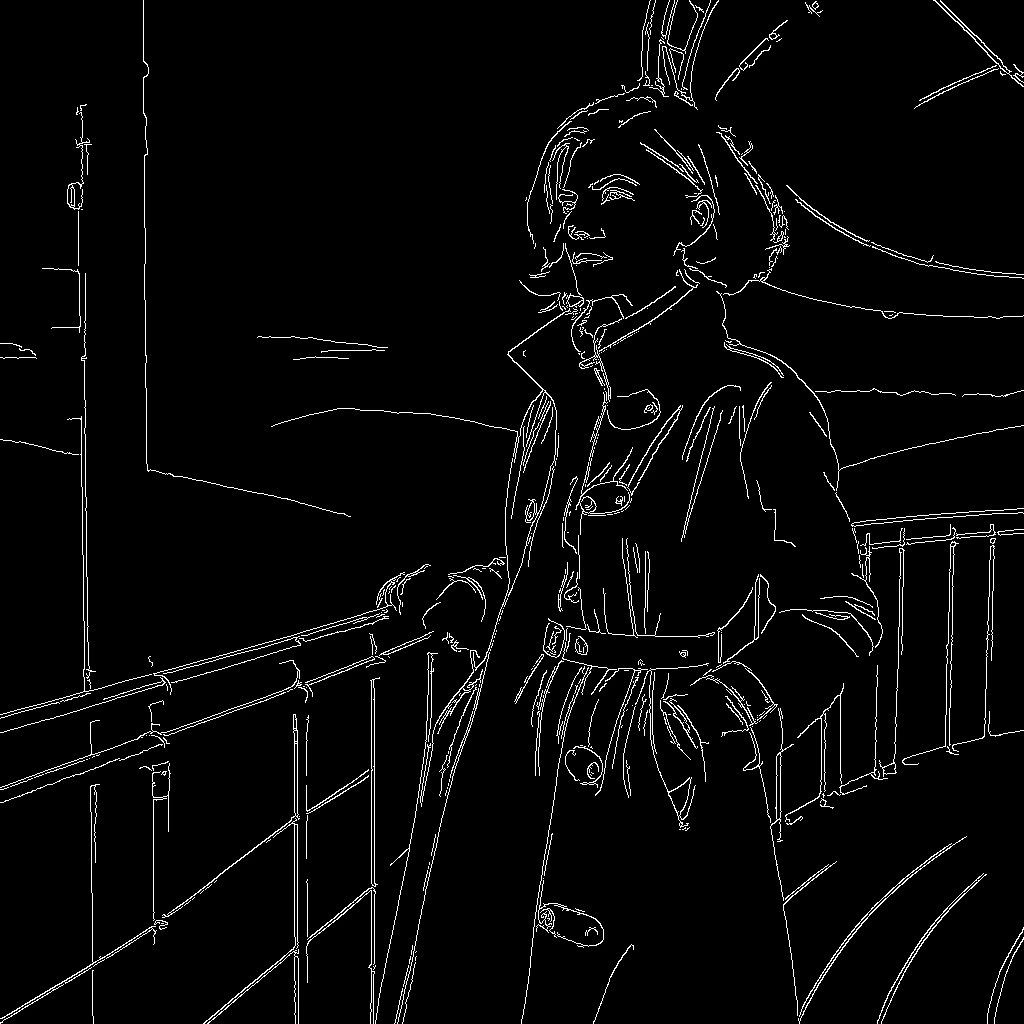 Control maps Reads the structure of a picture and returns a new picture of that structure.
 Image enlargement Increase image dimensions using an upscaler.
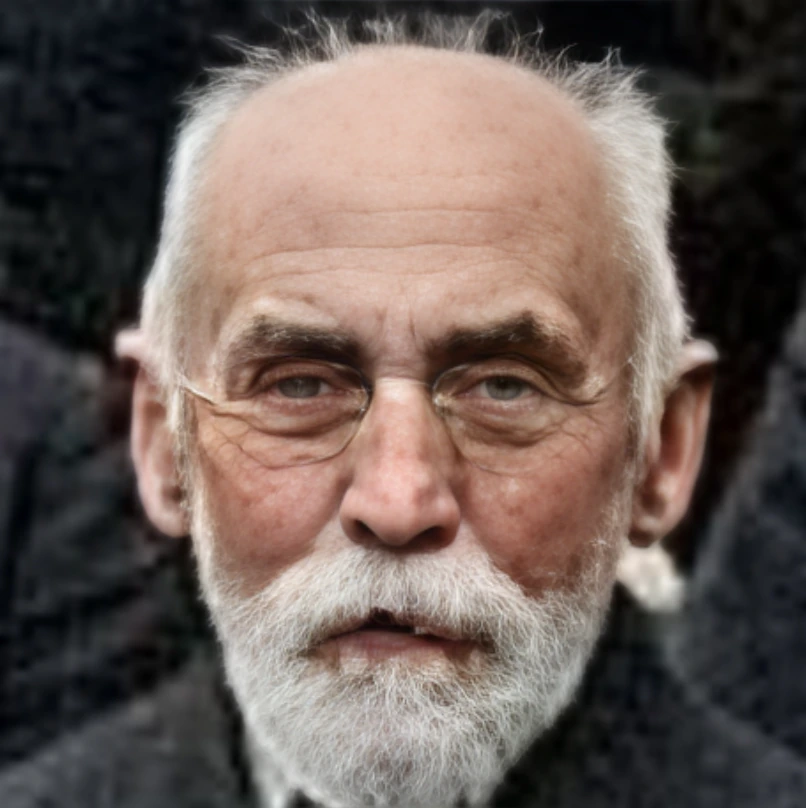 Face restoration Apply a restoration model to detected faces.
 Background removal Separates the subject from its background and returns a transparent cutout of what is left.