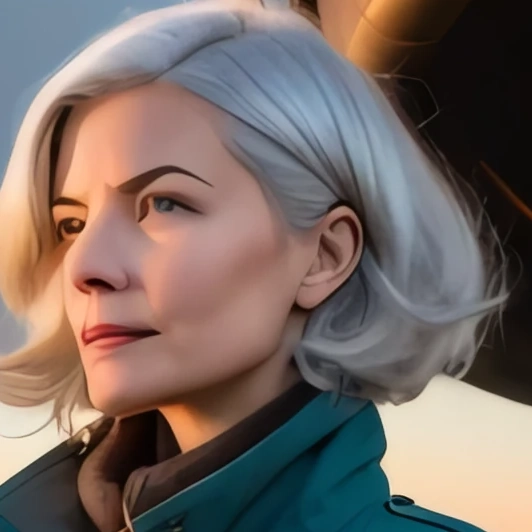
Enlarge a finished image using an upscaling model.
Costs time Costs kudos Enlarges the image and can change fine details
An upscaler increases image dimensions and estimates additional detail. It usually retains the overall layout, but may alter textures, faces, or fine lines.Choose a tool suited to the source, such as a photographic or anime upscaler, and inspect the result at full size. Added detail is an estimate; it may differ from what was originally present.The studio allows one upscaler at a time. Hires fix is a separate option that includes another generation pass.
The examples on this page were made from one prompt, one model and one seed, changing only the setting shown. Other pictures, models and settings respond differently; compare on your own request with the seed and the other settings fixed.
Image comparison
Before and after details The same patch cut from both pictures, drawn one picture pixel to one screen pixel.